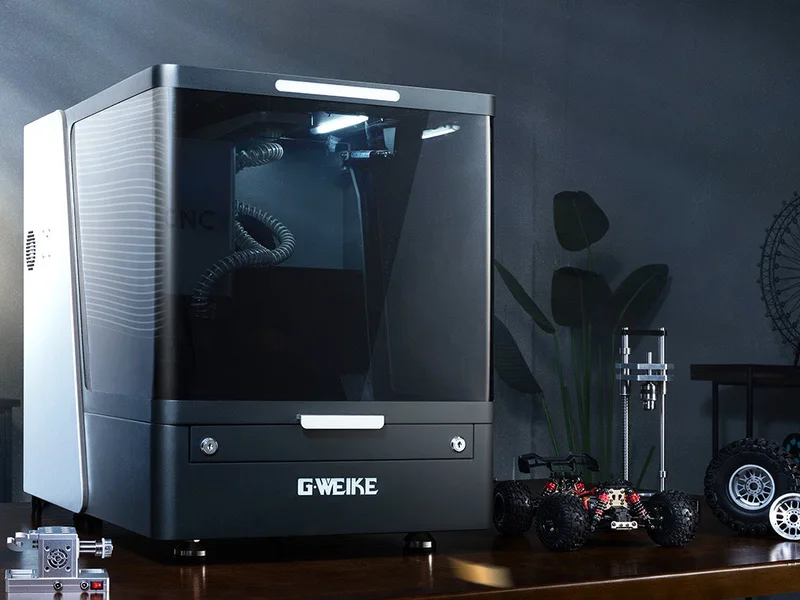
Last year I tore down a pre-production Makera Z1. No PR unit, no talking points. Makera sent me a production Z1 Pro afterwards anyway, for free and without a contract. So this isn’t sponsored, and I don’t owe anyone praise.
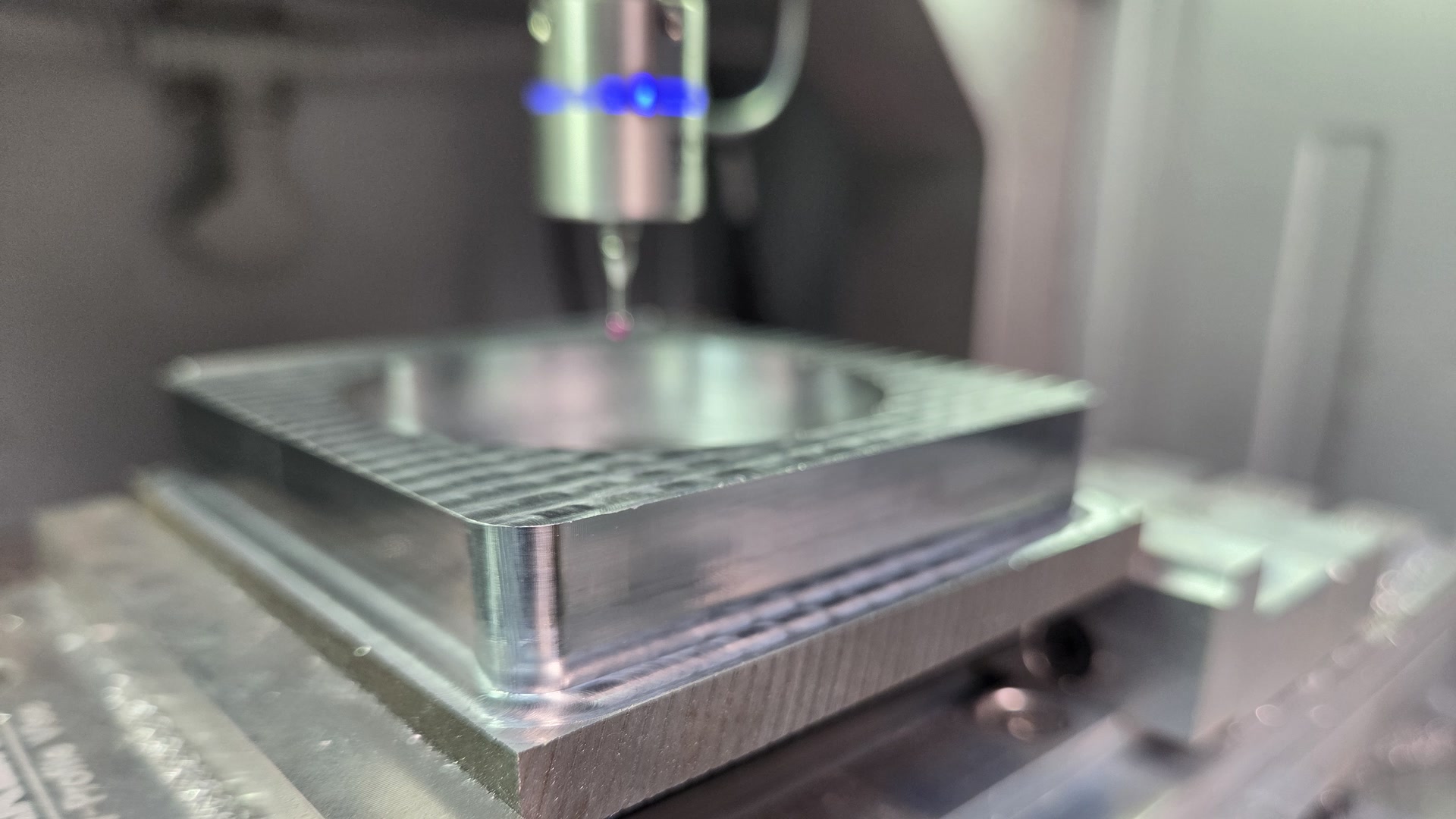
The review is a rematch: prototype versus production, two tests. This post is about test one, a block of C45 steel, and the two Shorts that came out of it.
Why steel on a desktop CNC?
C45 is a plain medium-carbon steel. Nothing exotic, but a long way from the wood and aluminum these machines are usually sold for. Makera’s own FAQ says they don’t recommend ferrous metals on the Z1 unless you have machining experience.
That’s exactly why it’s a good test. If a desktop CNC says it does metal, steel is where you find the edge.
What worked
Outside milling, boring, chamfering and facing all got done. The Short at the top has the real cutting sound with nothing over it, so you can judge for yourself how happy the machine sounds.
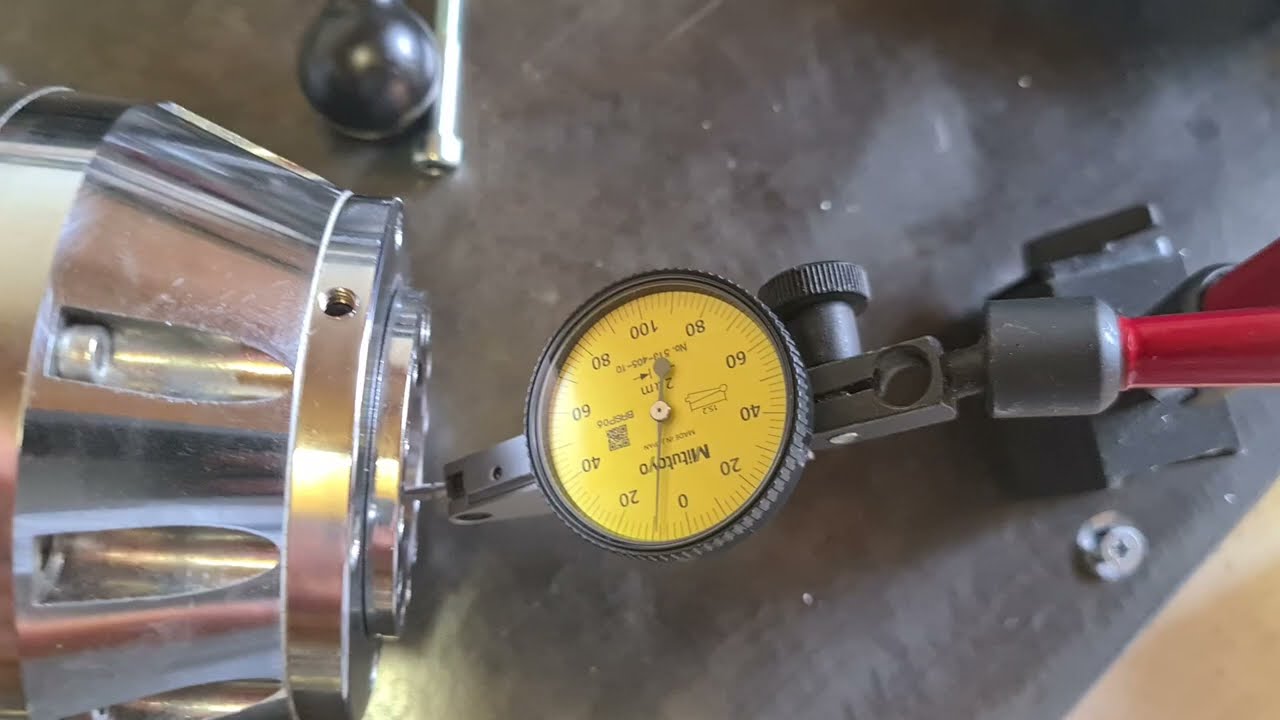
What I kept an eye on was heat. The spindle went from 53°C to 68°C in about six minutes. On this part, heat was the thing I kept running into, more than anything else.
The back side took a few evenings
With side one done, there was about 7 mm of leftover stock to mill off the back. That took a few evenings, and the list of what went wrong along the way got long: a tilted vise, a hot spindle, a stall, a crash, a soft-limit stop, an axis error and a part that got way too hot.
All of it is going in the review. That’s what steel on a desktop machine actually looks like.
The probe that said it was fine
Then the probe died. Mid-job, the Makera 3D Wired Probe stopped triggering. The Z1 still showed it as connected, so it drove the stylus into the part and kept going. Thirty minutes earlier it had worked fine.
I reseated the USB-C. Nothing. No LED, no signal. A $99 probe gone, no spare, and a half-finished steel part on the table.
Looking back at the footage, the probe’s LED was already off while the Z1 still called it connected. So whatever that connection check looks at, it isn’t whether the probe actually works.
“You should have watched the light”
A few people on Reddit told me that. Fair, but my machine stands away from the PC because of the chips. I start probing from the PC and watch on a camera. After 300+ probe cycles without a problem, I’m not staring at a tiny LED every time.
If the machine can light an LED for the probe, it can check that same state before it moves. A normally closed probe circuit would have stopped the machine on its own. So would a quick “tap the probe first” check before the routine starts. At least one other owner in the thread had the same failure, so I don’t think this is a one-off.
Until Makera fixes it: trigger the probe by hand before every probing routine, and check the machine sees it.
What’s next
Update: Makera got in touch after the Short went around. A replacement probe is on its way, and they confirmed the current firmware doesn’t check whether the 3D probe actually works during calibration. They say they’ll add that check in the next release. The exact cause of my probe dying is still unconfirmed.
The full Z1 Pro review is coming: prototype versus production, this steel part, and a repeat of last year’s aluminum isogrid chip test. Whatever happens with the probe goes in too.
Still curious about the Z1? If you buy one, get the Pro instead of planning to upgrade a standard Z1 later. That was the main lesson from my teardown. And budget for a spare probe.
FAQ
Got questions about the Z1 Pro or steel on a desktop CNC? Join the Discord and let’s talk shop.