Two all-in-one metal laser platforms that both landed via big Kickstarter campaigns — but they come at “do everything with one machine” from opposite ends. This is my full Gweike M3 Ultra vs xTool MetalFab comparison: specs, prices, software, and which one I’d buy.
Gweike M3 Ultra vs xTool MetalFab: the short version
Both platforms pair a 1200W fiber laser with a CNC cutting table and a handheld welding torch. Both cut roughly 10mm carbon steel. But they’re built for different people.
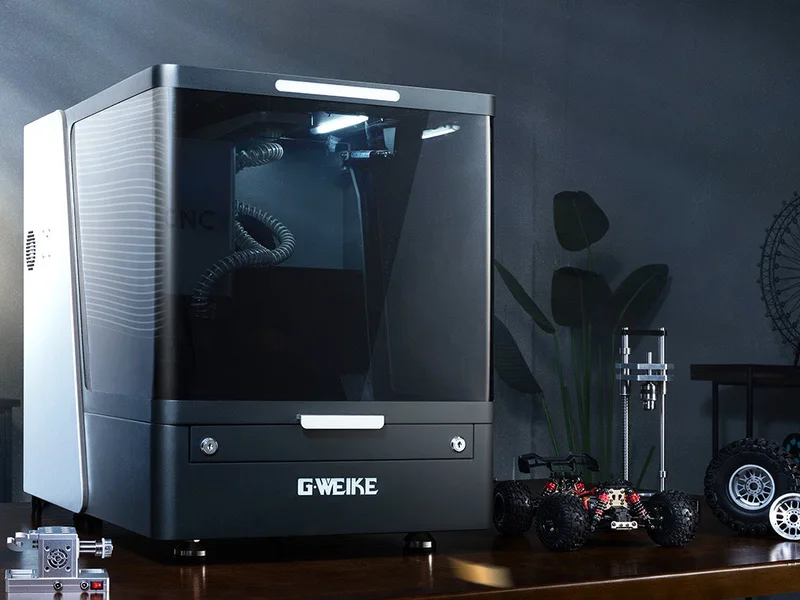
The Gweike M-Series comes from a company with 20+ years building full-size industrial laser systems. It reads like one of those machines scaled down to workshop size: a laser source unit paired with a heavy, industrial CNC cutting unit, more control, and a learning curve to match. The M3 Ultra I run adds CO₂ on top of fiber, so it does non-metals too.
The xTool MetalFab comes from the consumer-laser world scaled up into metal: a lighter, modular welder-plus-CNC-table system wrapped in polish — AI cameras, smart nesting, 100+ one-click presets. Metals only, but very approachable.
My honest take, without having run the xTool: if you want a machine that behaves like real industrial kit and you’ll invest in the learning curve, the Gweike is the stronger tool — and it’s the one I chose. If you want to be cutting clean parts on day one with minimal fuss, the xTool’s polish is the real draw.
The Gweike M-Series lineup: all models and prices
The M-Series isn’t one machine — it’s a full range. Two things vary: M2 = fiber only (metals), M3 = fiber + CO₂ (adds non-metals); and the bed size steps up on the Max / Ultra variants. The table records the USD prices used for this comparison; other models’ prices and discounts may have changed. The M3 Ultra offer was checked on 10 September 2026: code YIELD gives $950 off in the US or €950 off in the EU. M3 Ultra links select the US or EU cart automatically; other model links open the configurator.
| Model | Laser source | Work area | Price | With code YIELD |
|---|---|---|---|---|
| M2 | 800W fiber | 620 × 620 mm (24.4 × 24.4″) | $9,999 | $9,099 |
| M2 Pro | 1200W fiber | 620 × 620 mm | $10,499 | $9,599 |
| M2 Max | 800W fiber | 1380 × 920 mm (54.3 × 36.2″) | $11,999 | $11,099 |
| M2 Ultra | 1200W fiber | 1380 × 920 mm | $12,999 | $12,099 |
| M3 | 800W fiber + 80W CO₂ | 620 × 620 mm | $10,999 | $10,099 |
| M3 Pro | 1200W fiber + 80W CO₂ | 620 × 620 mm | $11,499 | $10,599 |
| M3 Max | 800W fiber + 130W CO₂ | 1380 × 920 mm | $12,999 | $12,099 |
| M3 Ultra (the one I run) | 1200W fiber + 130W CO₂ | 1380 × 920 mm | $13,999 | $13,049 |
There are also standalone handheld welder units — M800 (800W, $3,899) and M1200 (1200W, $4,899) — which take code W600 for −$600.
Industrial vs consumer: two ways to build an all-in-one
Both machines are actually modular in the same way: a laser/welding source plus a separate CNC cutting unit. The difference is scale and heritage.
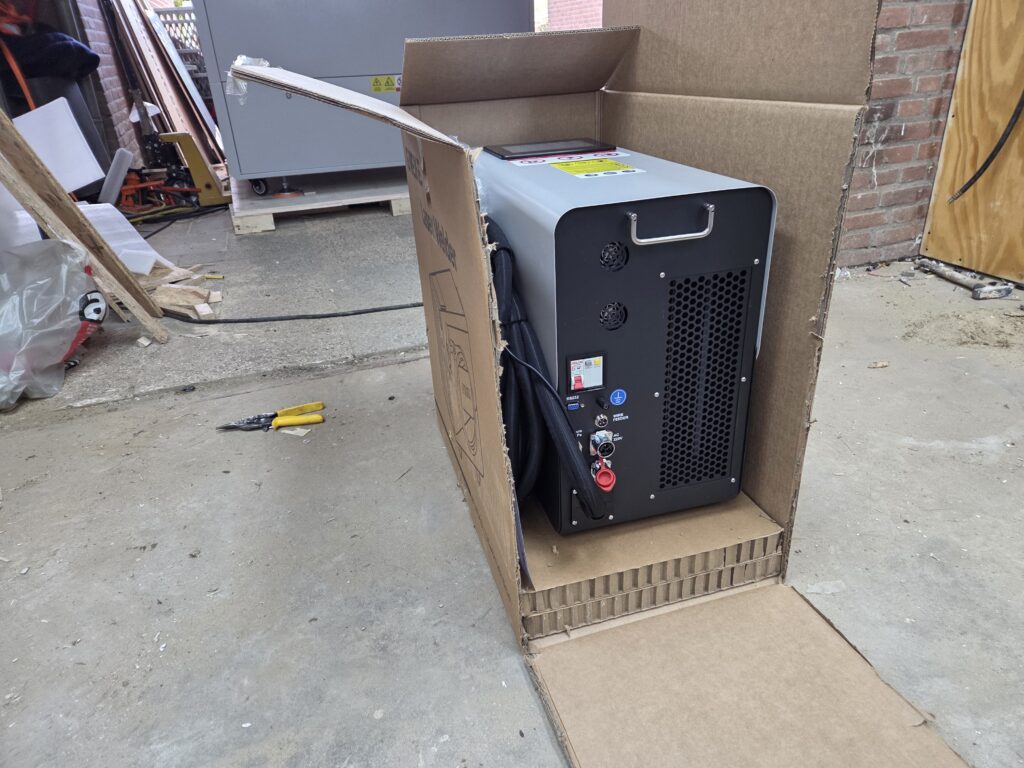
Gweike’s CNC unit is a big, heavy, industrial-grade table — this is a company shrinking its factory machines to fit a workshop, and the mass is the point: rigidity and stability are what hold ±0.02 mm and let you run it hard all day. When I use it, it feels like industrial kit, because it basically is.
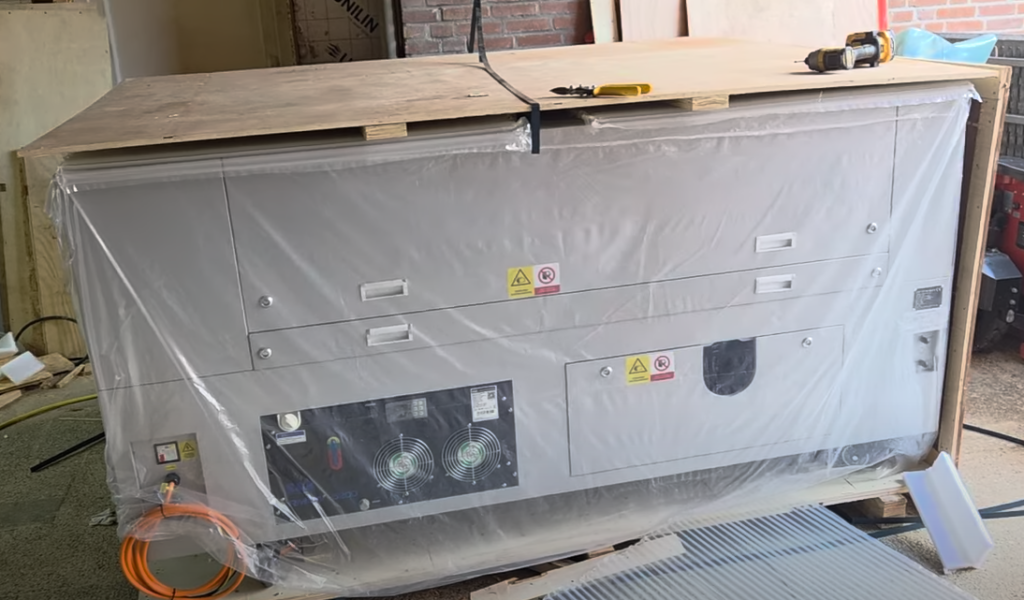
The xTool MetalFab goes the other way — a portable welder module (light enough to carry) dropping onto its CNC cutting table, wrapped in a consumer-friendly experience. It’s clever and flexible, and clearly built to be inviting rather than intimidating. Neither approach is wrong. They’re aimed at different buyers.
One practical note if your workshop electrics are modest: these are hungry machines. I run mine on a limited supply — here’s how I got around my workshop’s 16A power limit without rewiring.
Gweike M3 Ultra vs xTool MetalFab: full spec comparison
Metric first; imperial in brackets.
| Spec | Gweike M3 Ultra | xTool MetalFab (1200W) |
|---|---|---|
| System type | 6-in-1: fiber cut/weld/clean + rust + CO₂ cut/engrave | 4-in-1 metals: weld, CNC cut, clean, engrave |
| Fiber laser | 1200 W | 1200 W (800 W option) |
| CO₂ laser | 130 W | — (metals only) |
| Work area | 1380 × 920 mm (54.3 × 36.2″) | 610 × 610 mm (24 × 24″) cutting bed |
| CNC cutting speed | up to ~800 mm/s | 400 mm/s |
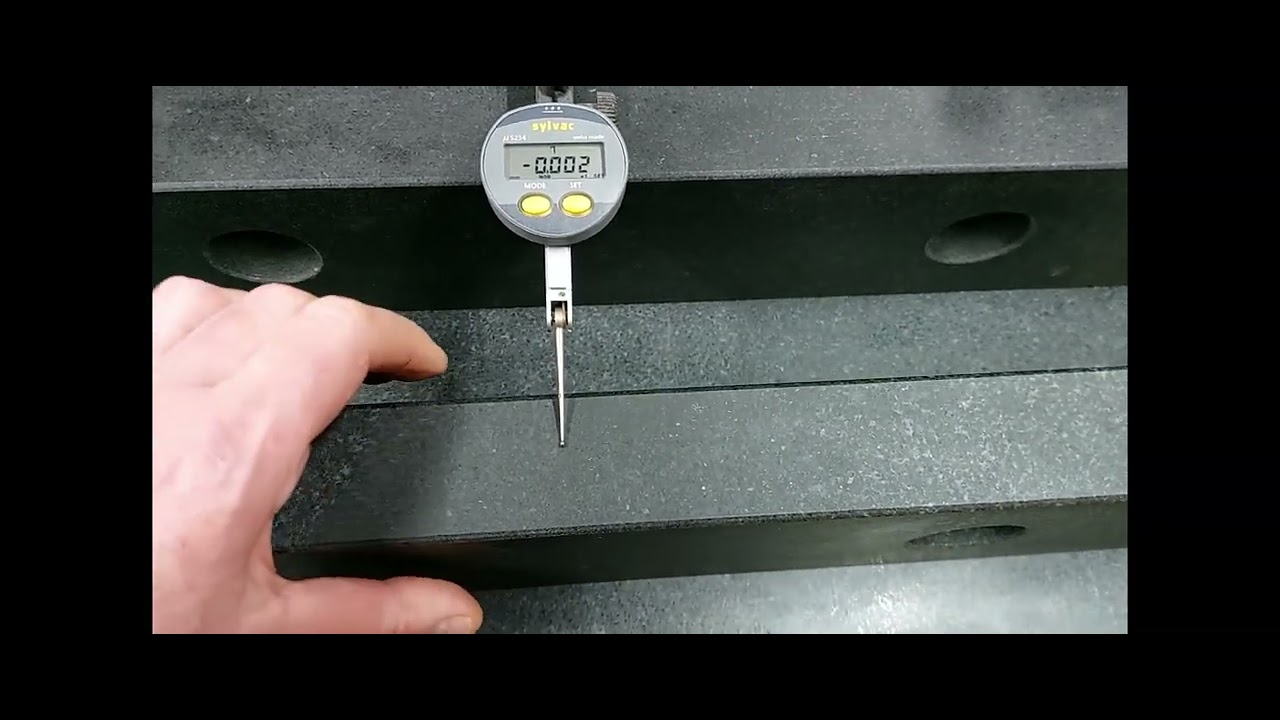
| Positioning accuracy | ±0.02 mm | 0.1 mm |
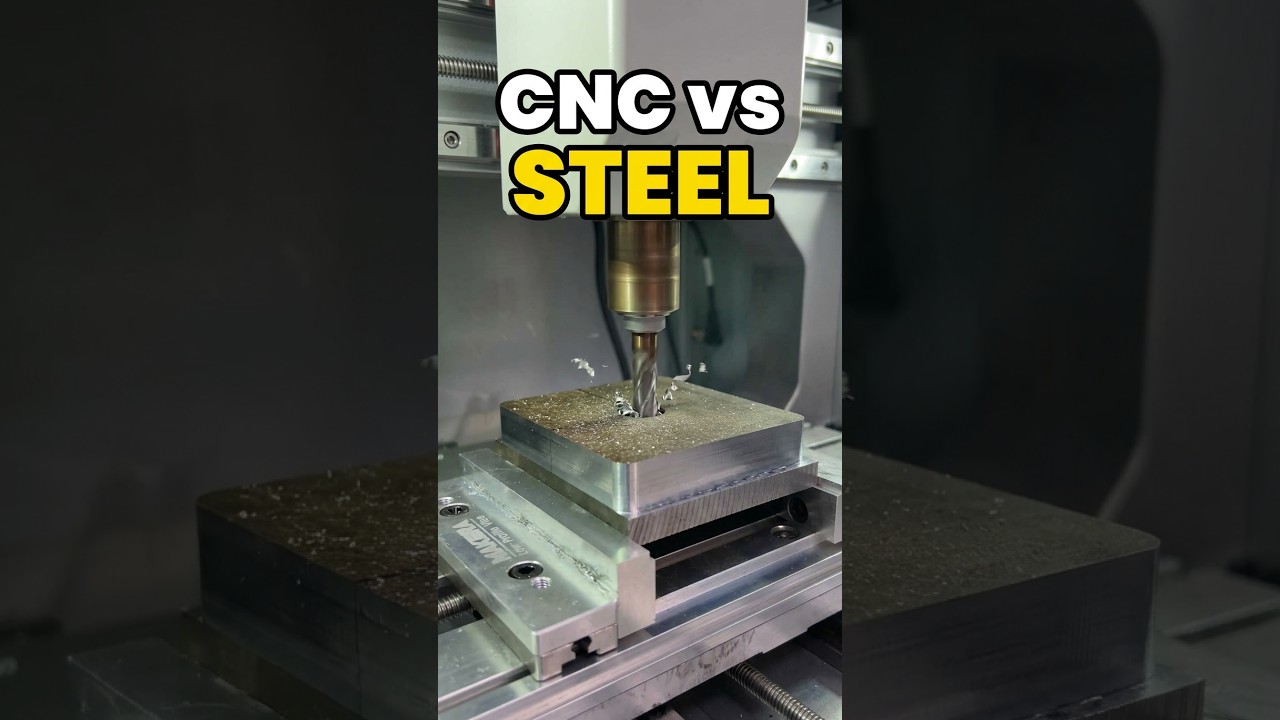
| Max carbon steel cut | 10 mm (0.39″) rated; ~12 mm reachable with dross | 10 mm burr-free; up to 12 mm with dross |
| Welding range | 0.2–5 mm (0.008–0.197″); spot/continuous/pulse, underwater capable | handheld, up to ~5 mm |
| Beam quality (M² factor — closer to 1 is better) | 1.05–1.2 | (not published) |
| Smart nesting / cameras | smart nesting in mLaser; no camera system | AI smart nesting (~98.7%), dual 16 MP cameras |
| Software | mLaser industrial CAM: premade profiles for standard materials and gases, deep manual control; steeper curve | XCS, 100+ presets, beginner-friendly |
| Architecture | laser source (~49 kg) + industrial CNC table (590–610 kg full system) | portable welder module + CNC cutting table |
| Power | single-phase 200–240 V, ~5 kW total draw — can be DIY-split across phases if your supply is tight | 220 V, 21 A circuit (1200 W) |
Gweike specs from gweikecloud.com; xTool from published listings. Verify against your exact configuration before buying. The ~49 kg figure is the laser/welder source unit; the full Max/Ultra system weighs 590–610 kg.
Where the Gweike M-Series wins
- Mixed materials. The CO₂ side (up to 130 W) cuts and engraves wood, acrylic, and leather — the MetalFab is metals-only. If your shop runs steel and non-metals, one M3/M3 Ultra replaces two machines.
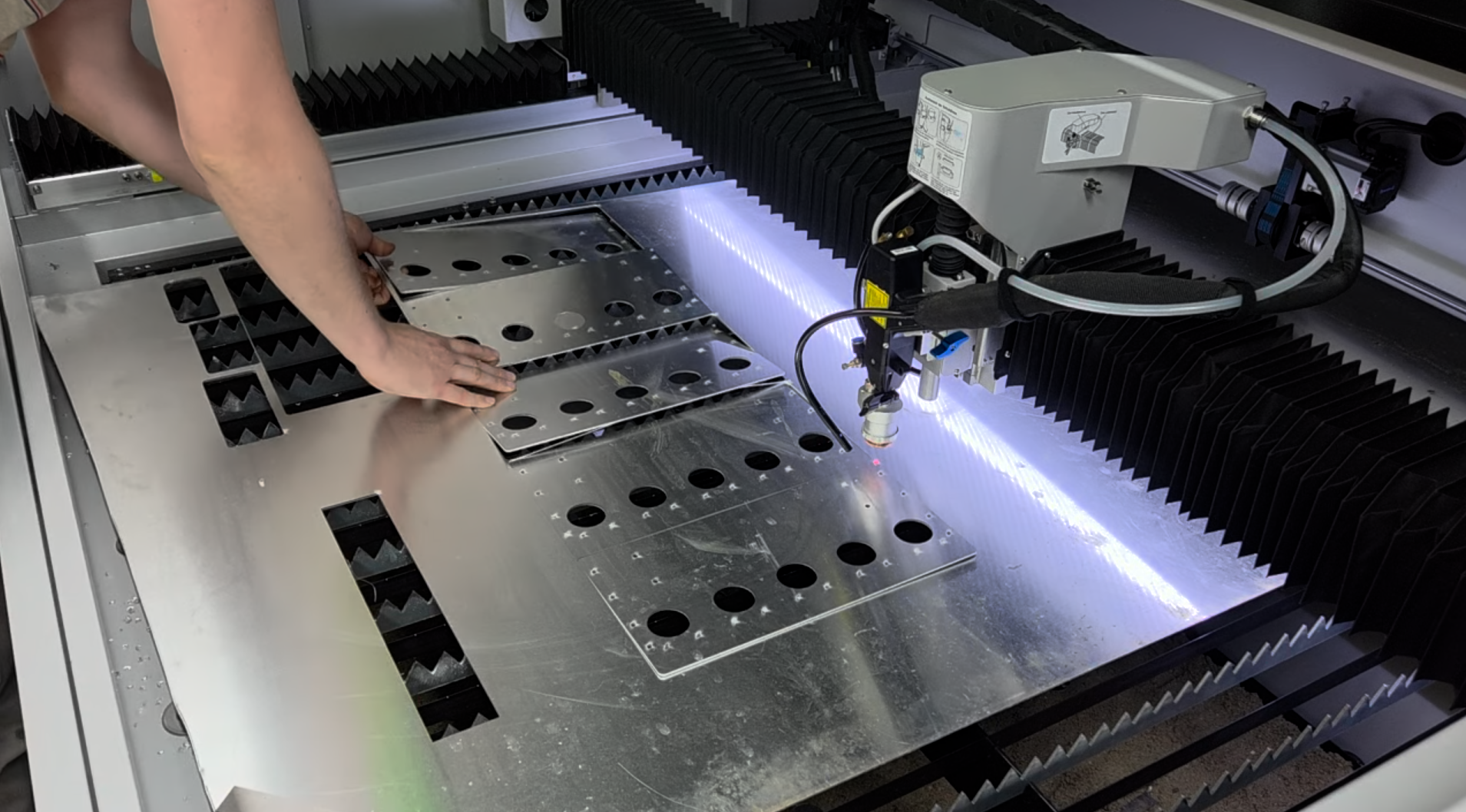
- Sheet capacity. The Max/Ultra bed is 1380 × 920 mm against the MetalFab’s 610 × 610 mm — that’s full-sheet work instead of cutting stock down to fit.
- Precision and rigidity. ±0.02 mm vs 0.1 mm on paper, backed by an industrial motion system, servo-driven linear guides, and a heavy frame.
- Ceiling and control. Granular parameter access — dynamic power, frequency, cooling points, gas timing — means there’s almost always more performance to unlock.
- Heritage. 20+ years of industrial laser manufacturing behind it.
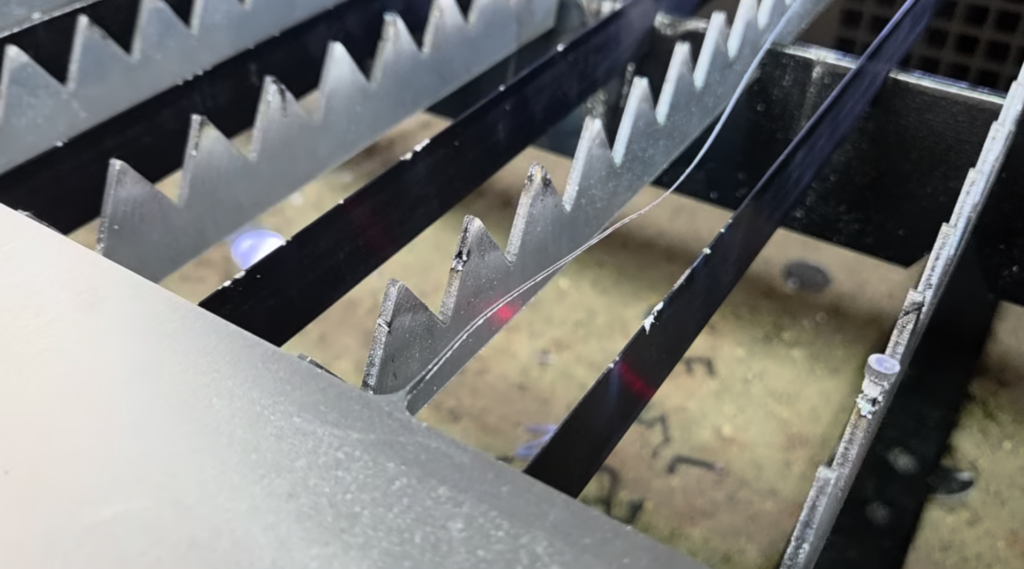
Where the xTool MetalFab wins
- Production automation. Dual 16 MP cameras and AI smart nesting (up to ~98.7% material utilisation) genuinely cut cost-per-part on repeat sheet work. The Gweike has smart nesting in mLaser too, but no camera system watching the bed.
- Approachability. XCS with 100+ presets across 30+ materials means you select material and thickness and go — a much lower barrier than an industrial CAM workflow.
- Modularity and weight. A carry-able welder module plus a table is a flexible, lighter footprint.
Software and ease of use
This is the thing I actually live with. The Gweike runs its own industrial control software (the CypCut-style CAM you saw in my cut), and that cuts both ways.
The pro: real granularity. I can get into power curves, dynamic frequency, cooling points, gas timing — the stuff that lets you dial in a tricky cut instead of hoping a preset covers it.
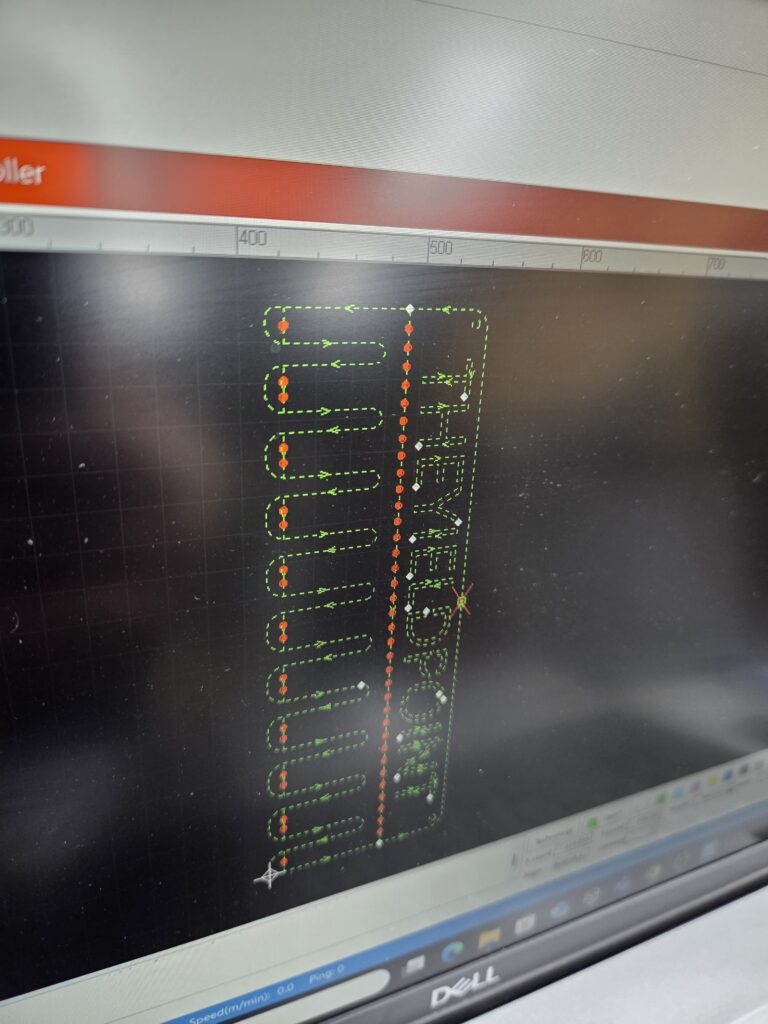
The con: it’s harder to get into. There’s a learning curve, and the machine won’t hold your hand. If you’re new to fiber lasers, that’s a real barrier. To be fair, mLaser does ship premade cutting profiles for almost every standard material and assist gas — air, oxygen or nitrogen — so you’re not starting from zero; the curve is in going beyond them.
xTool sits on the opposite side of that line: presets and polish get you productive fast, at the cost of some ceiling. So the honest question is about you — maximum control, or maximum ease? That predicts which machine you’ll be happier with more than any spec above.
Gweike M-Series vs xTool MetalFab: price
Gweike M-Series (USD comparison prices; M3 Ultra updated on 10 September 2026, other model offers shown as originally recorded):
- M2 (800W fiber): $9,999 → $9,099
- M3 (800W fiber + 80W CO₂): $10,999 → $10,099
- M3 Ultra (1200W fiber + 130W CO₂, big bed): $13,999 → $13,049
- Full matrix and the in-between tiers are in the lineup table above.
xTool MetalFab, current prices on xTool’s US store (checked 9 October 2026): 800W welder only $4,699, 1200W welder only $7,999, 800W welder + CNC cutter $12,799, 1200W welder + CNC cutter $15,999. The SafetyPro bundles with fume extraction are $15,049 (800W) and $18,249 (1200W). See the current MetalFab bundles at xTool.
At full “cut + weld” configs they overlap, but the M3 Ultra undercuts a comparably-equipped 1200W MetalFab — and throws in CO₂ the xTool doesn’t have. EU pricing differs; check eu.gweikecloud.com. Prices move — confirm before buying.
Verdict: which metal laser should you buy?
For the way I work — pushing machines hard and wanting control over every parameter — the Gweike M3 Ultra is the better option, and it’s the one I’d pick. It’s more machine, built more like real industrial kit, it does non-metals the xTool can’t touch, and its ceiling is higher.
The fair caveats: I haven’t run the xTool MetalFab myself, and its AI nesting and camera automation are genuinely strong for high-volume, metal-only production — for that buyer it may well be the better call. And if your shop is metals-only and you value being productive on day one over squeezing out every last parameter, the xTool’s ease is a real advantage. If I get one on the bench, I’ll update this with side-by-side cuts.
FAQ: Gweike M3 Ultra vs xTool MetalFab
The gear
Gweike M3 Ultra — the machine I run. Get $950 / €950 off the M3 Ultra. The link selects the US or EU store and opens the cart with one M3 Ultra and code YIELD applied automatically. Choose your store manually. Affiliate links: I earn a commission if you buy through them. For other configurations, visit the M-Series configurator. Code W600 is listed for $600 off the M800/M1200 welders; confirm current eligibility at checkout.
xTool MetalFab: the metal-only option that’s easiest to get going. Check the current MetalFab bundles at xTool. The 1200W welder + CNC cutter is $15,999 as I write this, the 800W welder on its own $4,699. Also an affiliate link.
Related posts
- The Cooling Point Trick That Fixed My Blowouts on 8mm Carbon Steel — dialing in intricate detail on this same M3 Ultra.
- I Cheated My Workshop’s 16A Power Limit Without Blowing the Fuse — running power-hungry kit on a modest supply.
Researching the M3 Ultra for your workshop? Browse the Gweike M-Series wiki for manuals, setup guidance and troubleshooting, then check the current M3 offers and bundle prices.